
Download Musemage – Photo Editor, Image Enhancement, Real-Time Editing
Overview
Musemage is a mobile photo editing application designed to bring advanced image manipulation capabilities to smartphone users. The app positions itself as a user-friendly alternative to professional desktop software like Adobe Photoshop, offering powerful tools without the steep learning curve. Targeted at both beginners and experienced photographers, Musemage enables users to enhance their photos with precision and creativity.
Its core purpose lies in simplifying complex editing tasks through intuitive design and real-time feedback, making it accessible to a broad audience. The app is particularly useful for individuals seeking to improve portrait quality, correct exposure issues, or apply artistic effects directly from their mobile devices. Real-world use cases include social media content creation, personal photo enhancement, and quick edits for travel or event photography.
As part of the growing mobile photography ecosystem, Musemage fills a niche by combining performance and accessibility. The developer, Musemage Inc., has established a presence with a focus on GPU-accelerated processing and real-time editing. Although the developer did not provide additional technical details, the app’s longevity since its release in 2014 suggests a stable and reliable user base.
Its continued relevance underscores its value in the mobile editing landscape.
Key Features & Functionality
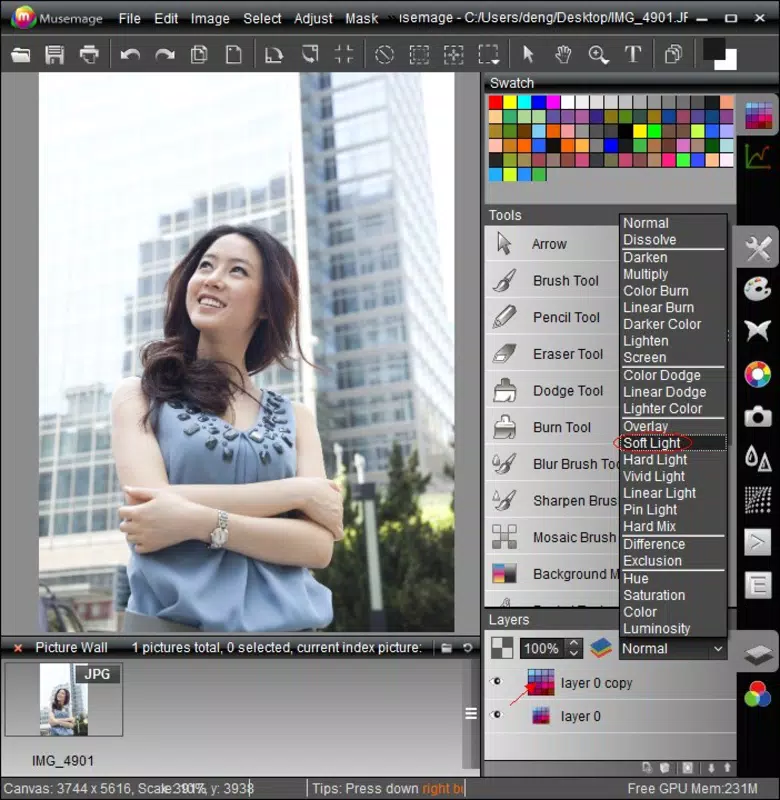
- Intuitive User Interface: Musemage’s interface is designed to minimize complexity, allowing users to access advanced editing tools with minimal navigation. This is especially beneficial for beginners who may be intimidated by traditional photo editing software. The layout prioritizes frequently used functions, reducing the number of taps required to apply changes.
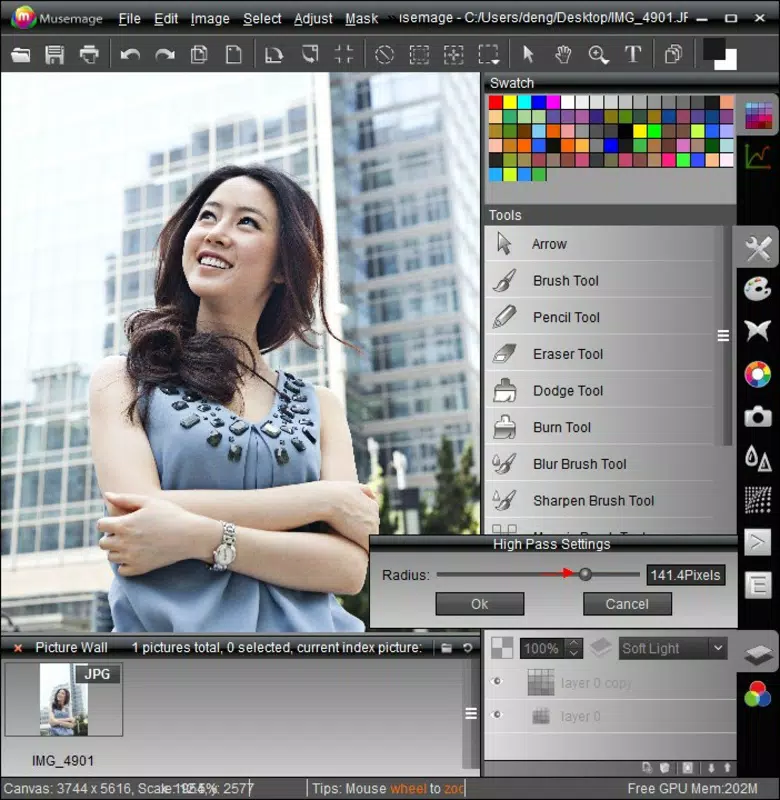
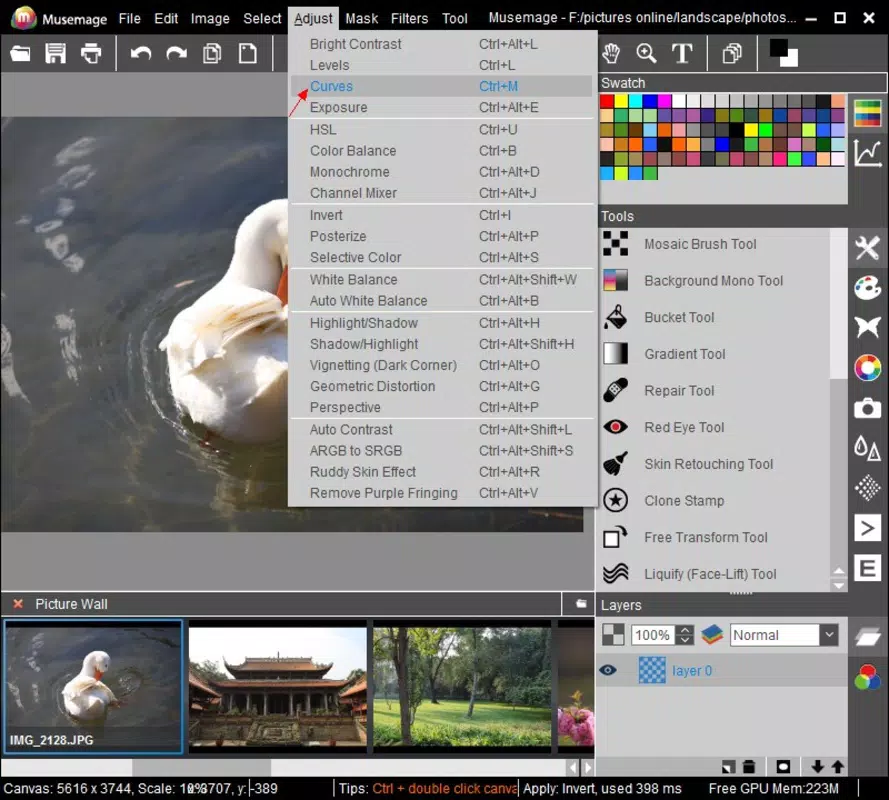
- Comprehensive Editing Tools: The app supports color adjustment, white balance correction, and exposure tuning—essential features for refining image quality. These tools allow users to balance lighting and tone, ensuring photos appear natural or stylized based on intent.
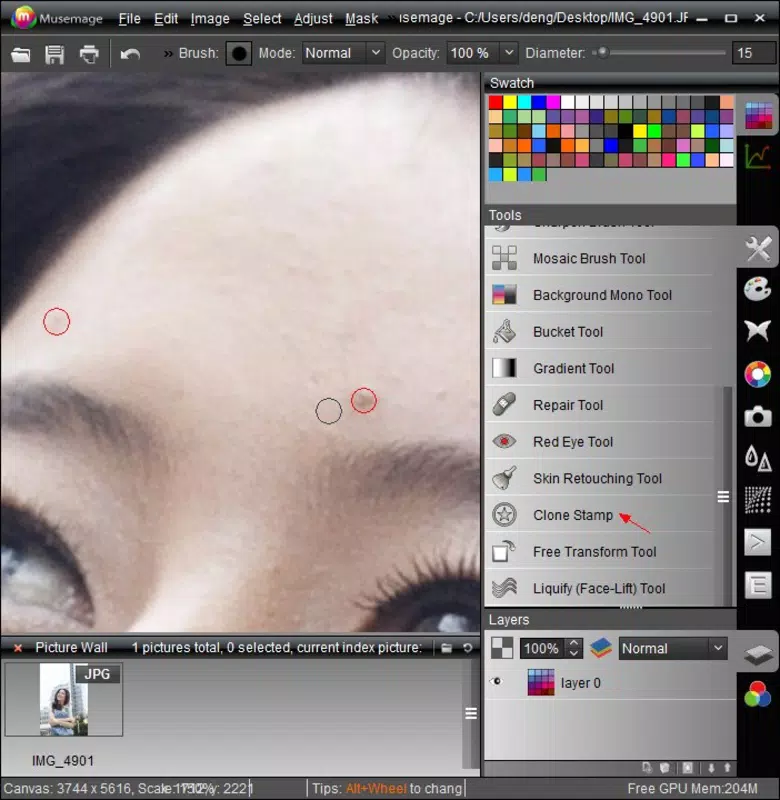
- Skin Smoothing & Lens Correction: Designed with portrait photography in mind, Musemage includes tools to reduce blemishes, smooth skin texture, and correct optical distortions. This functionality helps users achieve polished, professional-looking results without extensive manual work.
- Dynamic Special Effects: Users can apply motion blur, zoom effects, and other visual enhancements to add drama or creativity to their images. These features are ideal for experimenting with artistic expression and producing unique content.
- Real-Time Processing with GPU Acceleration: By leveraging GPU acceleration, Musemage delivers instant feedback during editing. This ensures that adjustments are visible immediately, enabling a more responsive and interactive editing experience, particularly valuable during on-the-go photo refinement.
Practical Use Cases
For instance, a traveler can quickly enhance a sunset photo by adjusting exposure and applying a soft focus effect to create a dreamy atmosphere. A social media content creator might use skin smoothing and watermark tools to prepare polished portraits for Instagram. Similarly, a hobbyist photographer can experiment with motion blur and zoom effects to produce dynamic compositions, all within a single mobile app.
Interface, UX & Performance
Musemage features a clean, minimalist interface that prioritizes usability. The layout is organized around core editing functions, with tool icons clearly labeled and grouped by purpose. Navigation is straightforward, allowing users to switch between tools with minimal disruption.
The app maintains consistent responsiveness across different device categories, though the developer did not list formal performance metrics. Although the developer did not list formal performance metrics, the app’s reliance on GPU acceleration suggests optimized rendering and smooth transitions between editing states. Users can expect stable operation during typical editing sessions, with minimal lag or crashes.
The real-time preview system enhances the overall user experience by providing immediate visual feedback. Stability appears to be well-maintained, given the app’s long-standing presence on the platform. However, specific requirements were not listed, so compatibility with newer devices or OS versions remains unverified.
Overall, the UX is designed to reduce friction, making it suitable for both quick edits and more involved photo enhancements.
Platform Compatibility & Technical Requirements
Musemage is available exclusively on the Android platform. The current version is 1.0.0, with a file size of 45.6 MB. The app is free to download and use, with no in-app purchases or subscription fees reported.
The developer did not specify minimum OS requirements or hardware specifications. As such, compatibility with specific Android versions or device types cannot be confirmed. The app’s release date of March 20, 2014, indicates a long history of updates and maintenance, though the frequency of recent updates is not disclosed.
Users should ensure their device meets general Android standards for running image-intensive applications. The absence of detailed technical requirements means that installation on older or lower-end devices may vary in performance.
Pros and Cons
- Free to download and use with no hidden costs
- Intuitive interface suitable for beginners and experts alike
- GPU acceleration enables real-time editing and faster processing
- Comprehensive tools for color correction, exposure, and skin enhancement
- Dynamic special effects for creative experimentation
- No publicly available update history or release notes
- Specific OS and device compatibility details not disclosed
- Limited information about advanced features or customization options
- May not support the latest Android versions without updates
- Developer did not provide technical documentation or user guides
FAQ
Is Musemage safe to download and install?
Yes, Musemage is available through official Android channels and does not require root access. The app is free and does not include malware or intrusive ads based on available information.
Can I use Musemage on iOS devices?
No, the app is currently only available on Android. There is no official iOS version listed.
Does Musemage require an internet connection?
While the app functions offline for basic editing, certain features may require connectivity for updates or cloud integration, though this is not confirmed.
How often is Musemage updated?
The developer has not published update logs or release notes. The last known version was released in 2014, but ongoing maintenance cannot be verified.
Is Musemage suitable for professional photography?
While Musemage offers advanced tools like color correction and skin smoothing, it may not replace full-featured desktop software for professional workflows. However, it is effective for quick edits and mobile-based content creation.
Final Thoughts + CTA
Musemage stands out as a capable mobile photo editing tool that balances simplicity with powerful functionality. Its real-time editing, GPU acceleration, and intuitive interface make it a strong choice for users seeking to enhance their photos without technical complexity. Though the app’s update history is unclear and compatibility details are limited, its enduring presence since 2014 reflects consistent reliability.
The free pricing model further enhances its accessibility. Whether you're editing portraits, preparing social media content, or experimenting with creative effects, Musemage delivers tangible value. For those who prioritize ease of use and immediate results, this app remains a relevant option in the mobile photography space.
Download Musemage now.


